Against the computer
Start a solo game against the on-device computer player. The match runs locally with no internet connection.
A MeshGames title · by DataXad
Play against the computer, share one device with Pass & Play, or connect directly to someone nearby over Bluetooth. No account and no internet required.
Available on Google Play. MeshGames Checkers is a free Android install from the public listing. The current listing is provided by DataXad and supports offline computer play, Pass & Play, and direct nearby Bluetooth play.
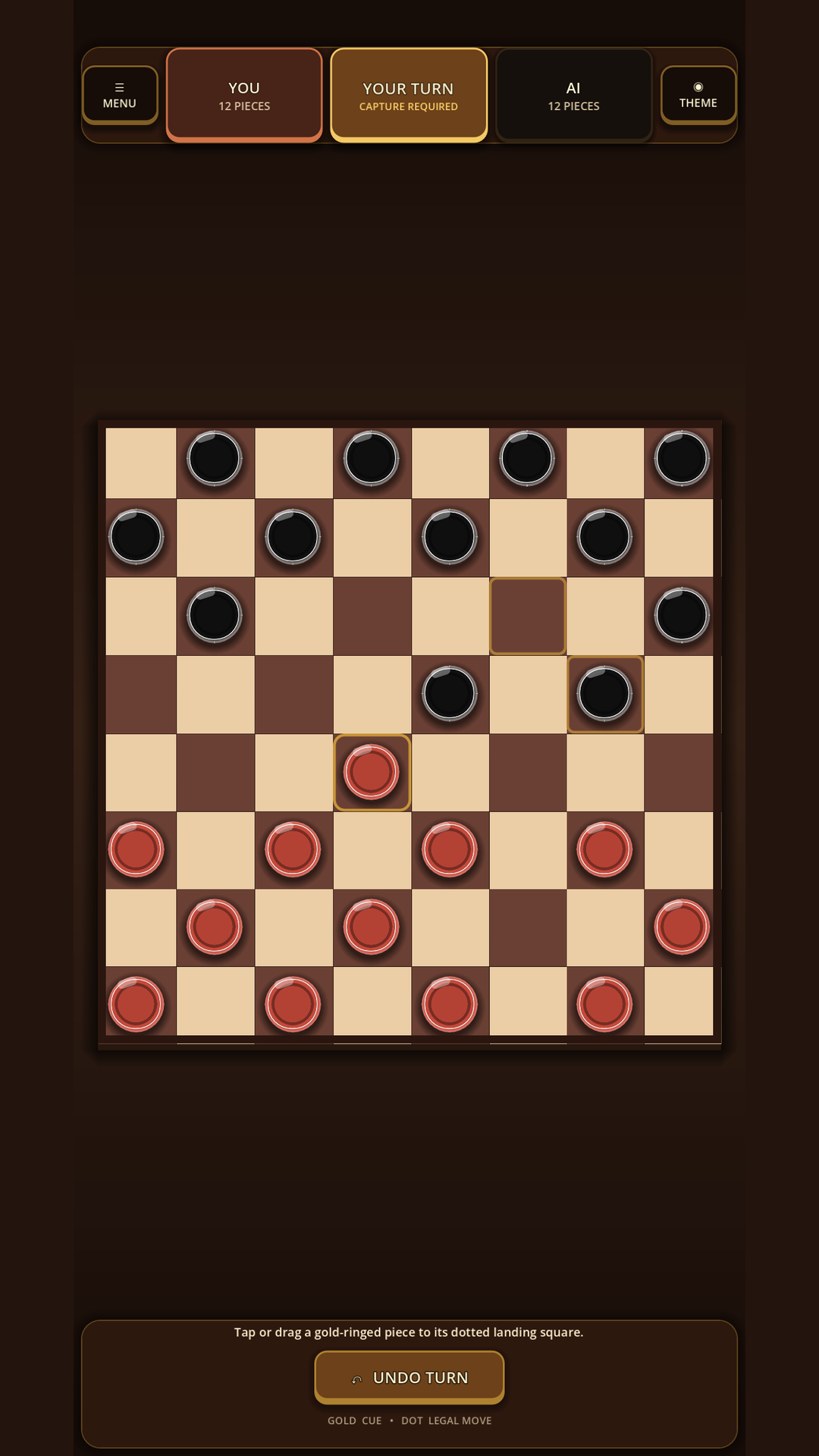
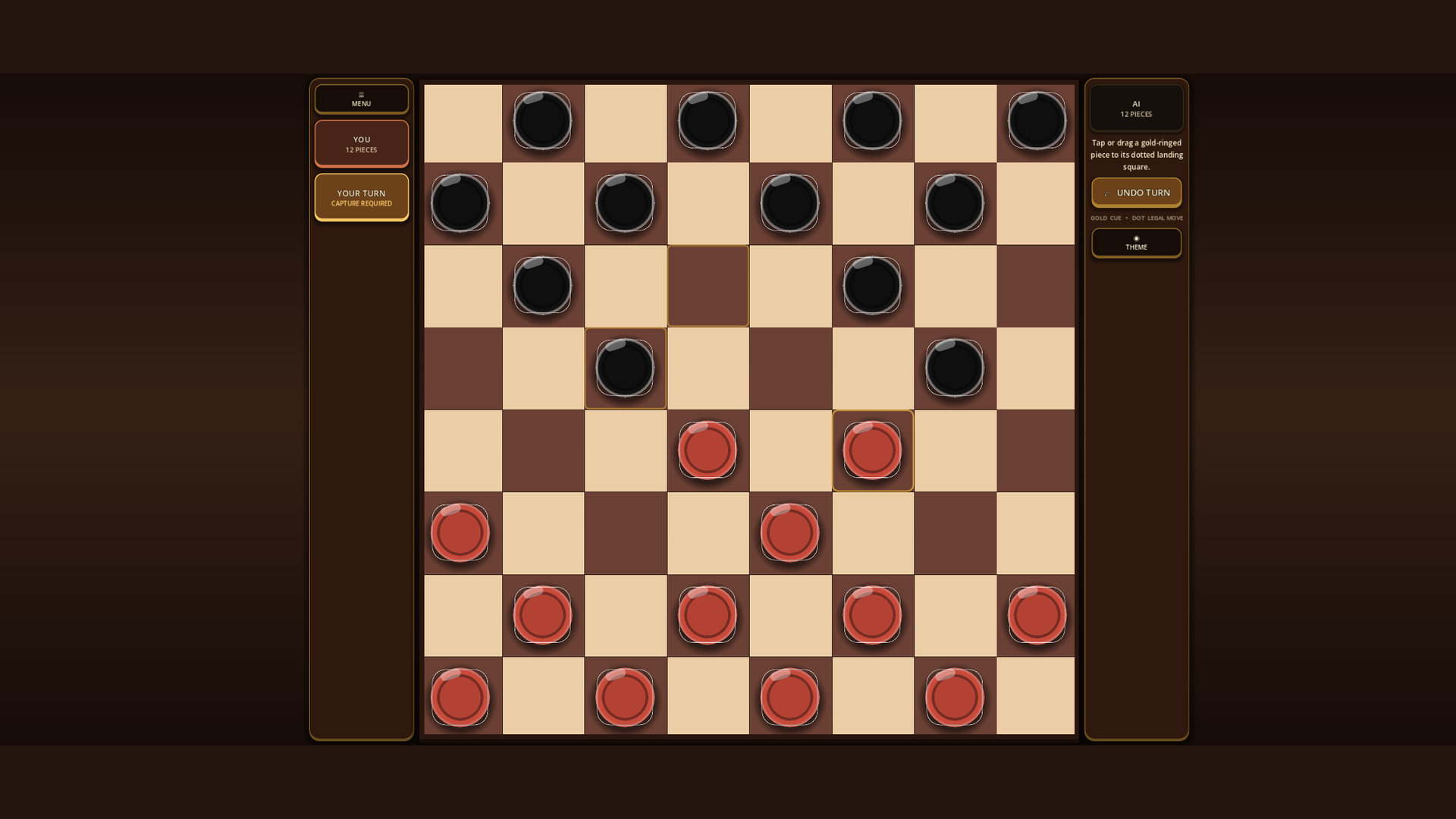
Real app captures
Three ways to play
Choose a local opponent, hand over the device, or find a nearby player—without creating an account.
Start a solo game against the on-device computer player. The match runs locally with no internet connection.
Two people take turns on one device. Make a move, pass the device, and keep the game at the table.
Connect directly to a selected nearby player over Bluetooth. Match state travels device to device, not through an internet game server.
Touch-first controls
Tap a piece, then tap its destination for a deliberate two-step move.
Drag a piece directly to its destination when you want a more physical board feel.
Computer, Pass & Play, and direct nearby modes require no internet connection.
Cloudless by design
MeshGames Checkers is designed for play, not profiles or tracking.
Questions, answered
Yes. Computer play, same-device Pass & Play, and direct nearby Bluetooth play do not require an internet connection.
No. There is no account, sign-in, advertising, analytics, or tracking.
You can tap a piece and its destination or drag the piece to the destination.
MeshGames Checkers is available as a free install from its public Google Play listing for Android.